HOW AND WHERE TO UPLOAD COMPLETED EXAM SCREENSHOTS?
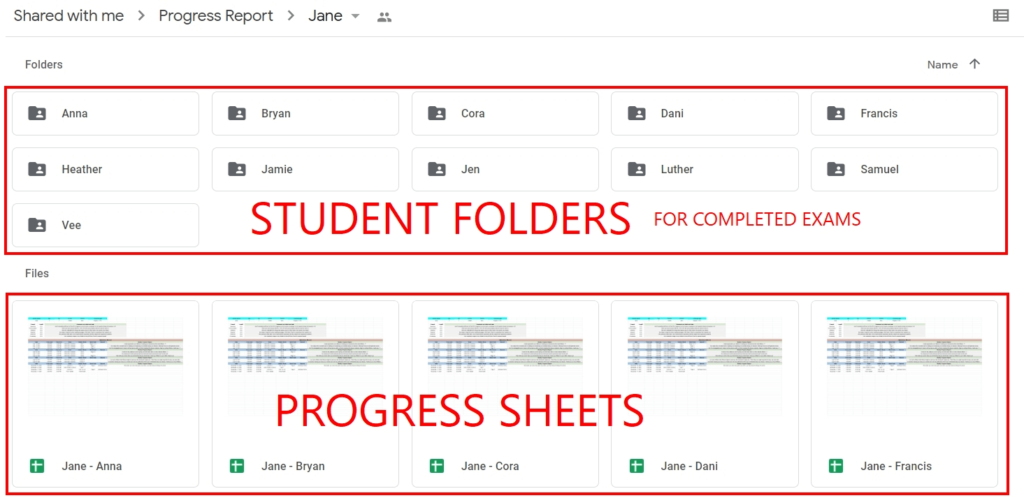
1. All teachers are given access to their own folders where they can see and update their students’ progress sheets. Inside this folder, we have also recently added Student Folders where you have to upload your students’ completed exam screenshots. (see below for sample)
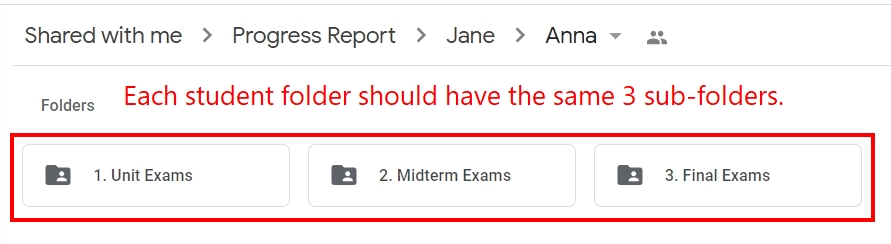
2. Inside each Student Folder, teachers should create 3 new folders namely: 1. Unit Exam 2. Midterm Exam 3. Final Exams (see below for sample)
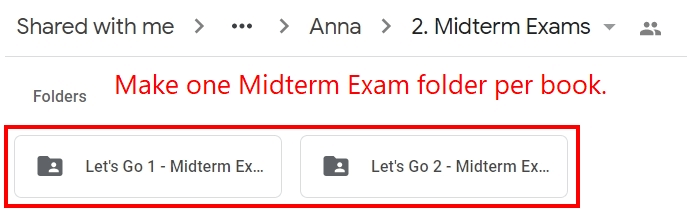
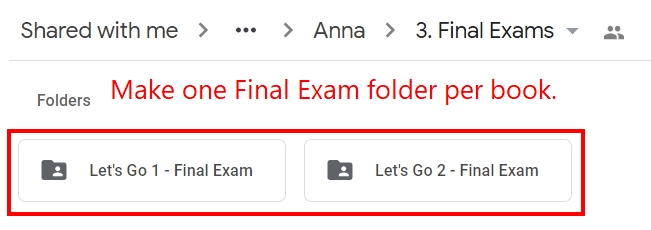
3. Inside each exam category folder, create folders for the specific completed exams:
a. For Unit Exams
b. For Midterm Exams
c. For Final Exams
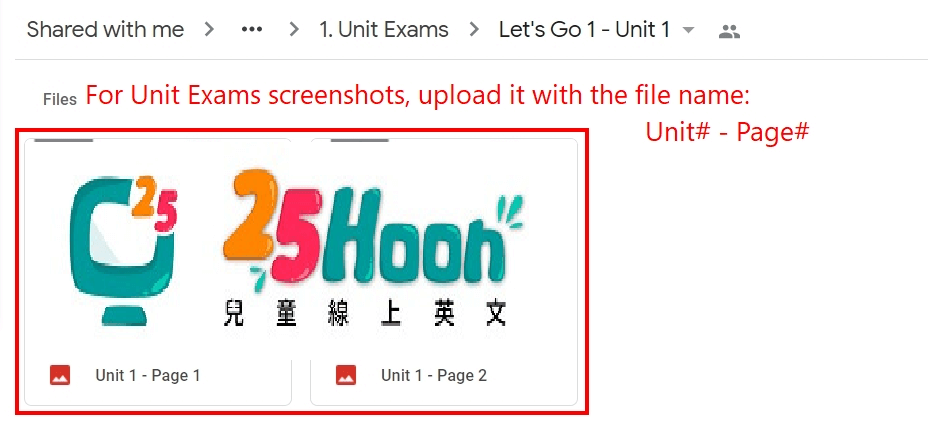
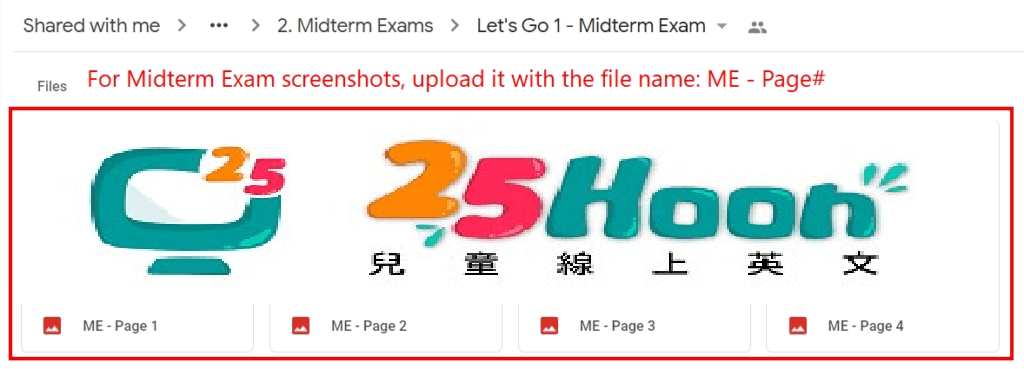
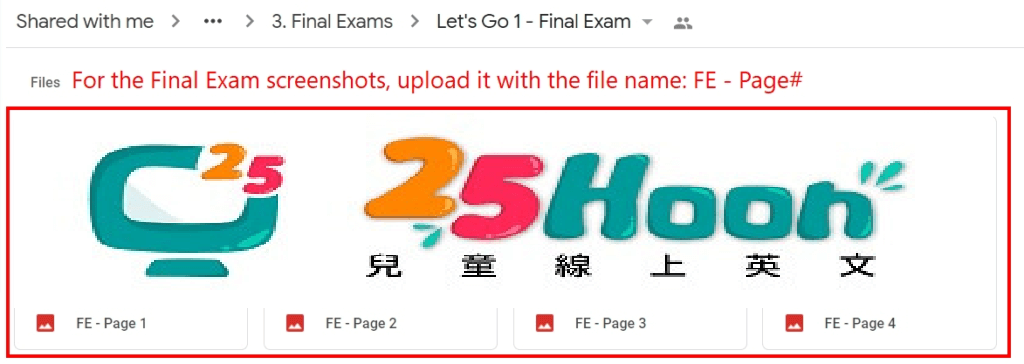
4. Finally, upload the completed exam screenshots in the folder they belong to:
a. For Unit Exams
b. For Midterm Exams
c. For Final Exams
NOTE: Always make sure you upload the screenshots in their designated folders.